Evaluating the Yes 3D Text Effect Template for Digital and Print Design
In the competitive landscape of digital marketing and graphic design, visual hierarchy plays a critical role in capturing audience attention. Typography is often the primary vehicle for this engagement, and three-dimensional text effects have emerged as a popular method for adding depth and prominence to headlines. The Yes 3D Text Effect is an editable template designed for Adobe Illustrator, offering designers a streamlined approach to creating dimensional typography. This article evaluates the utility, technical specifications, and ideal use cases for this resource, helping design professionals and content creators determine if it aligns with their project requirements.
Understanding the Yes 3D Text Effect Template
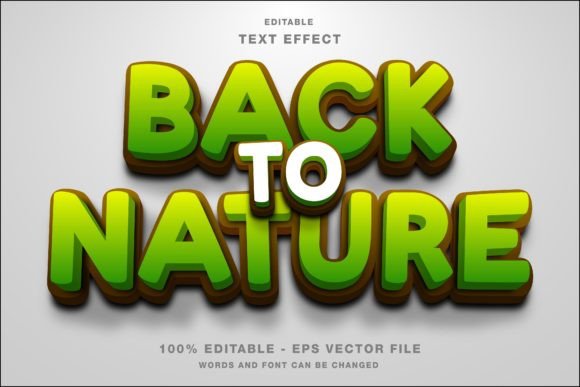
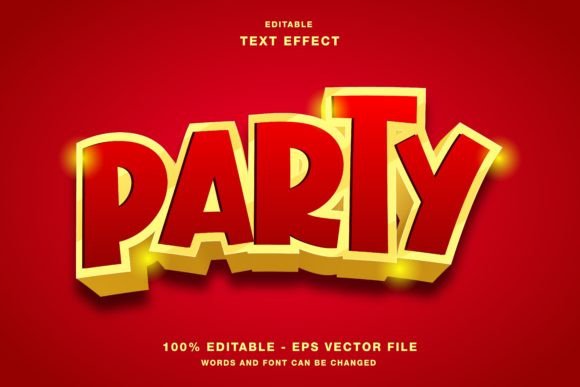
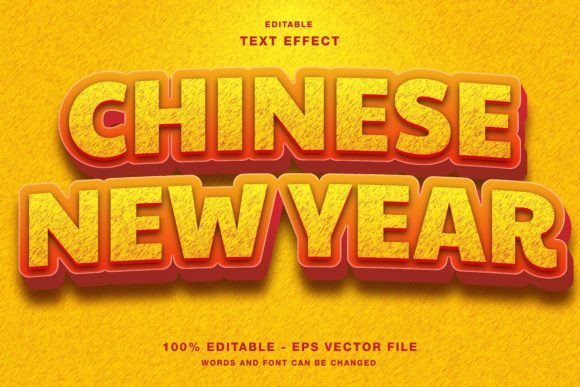
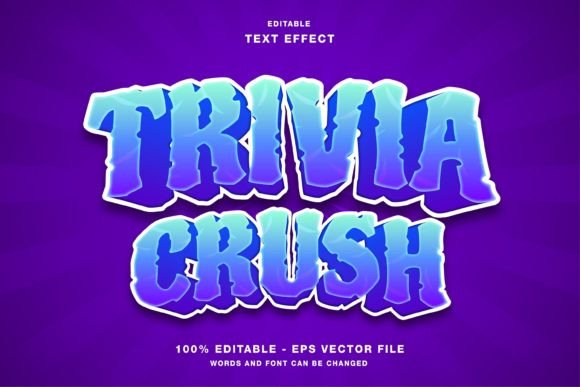
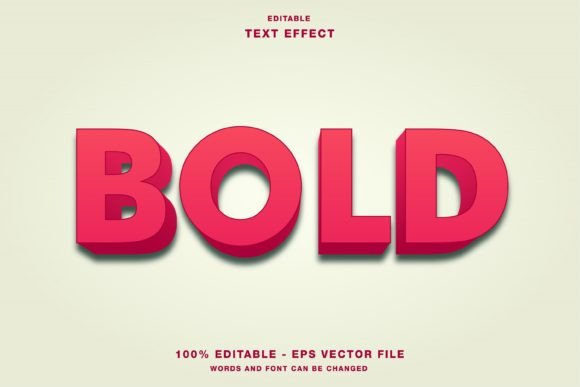
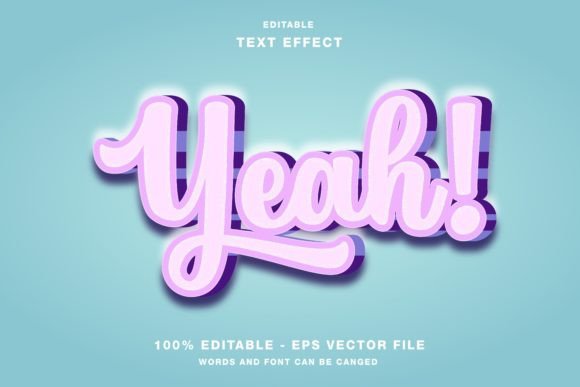
The Yes 3D Text Effect is not merely a static image but a fully customizable vector-based template. Built for Adobe Illustrator, it allows users to generate complex three-dimensional text styles without manually constructing extrusions, shadows, and lighting effects from scratch. The core value proposition lies in its editability; every element within the template is designed to be modified, enabling users to change the text content while maintaining the structural integrity of the 3D effect.
Technically, the template operates within the RGB color mode. This specification is significant because RGB (Red, Green, Blue) is the standard color model for digital displays. It ensures that colors appear vibrant and accurate on screens, which is essential for web designs and social media platforms. The package typically includes both EPS and JPG files, providing flexibility for different workflow needs. The EPS file allows for deep customization within vector software, while the JPG serves as a quick-reference preview or a ready-to-use asset for non-editable contexts.
Strategic Benefits for Content Creators
For marketers and designers, time efficiency is often as valuable as aesthetic quality. Creating high-quality 3D typography manually can be a labor-intensive process involving multiple layers, gradient meshes, and perspective adjustments. By utilizing the Yes 3D Text Effect, professionals can significantly reduce production time. This efficiency is particularly beneficial for agencies or freelancers managing tight deadlines for social media campaigns or urgent publication layouts.
Another key benefit is consistency. When running a multi-platform campaign, maintaining a uniform visual identity across Instagram, Twitter, Facebook, and web banners is crucial. This template provides a standardized look that can be rapidly adapted for various formats. Whether the goal is to promote an event via a flyer or highlight a product launch on a magazine cover, the template ensures that the typographic style remains cohesive across all touchpoints.
Ideal Use Cases and Applications
The versatility of the Yes 3D Text Effect makes it suitable for a wide range of applications. Its primary strength lies in digital-first environments where RGB color fidelity is paramount. Below are specific scenarios where this template offers strong value:
- Social Media Promotions: Platforms like Instagram and Facebook favor bold, eye-catching visuals. The 3D effect helps headlines stand out in crowded feeds, increasing the likelihood of user engagement.
- Web Design Headers: For landing pages or blog headers, 3D text can create a modern, dynamic feel that draws the user’s eye to key messages or calls to action.
- Digital Publications: Online magazines and newsletters can use these effects to break up text-heavy layouts, adding visual interest to section titles or feature articles.
- Event Marketing Materials: While primarily RGB-focused, the high-resolution EPS files can be adapted for certain print materials like posters or flyers, provided the color shift from RGB to CMYK is managed carefully during the pre-press stage.
Technical Considerations and Tradeoffs
While the Yes 3D Text Effect offers considerable convenience, it is important to understand its limitations and technical requirements. The most notable consideration is the color mode. Since the template is built in RGB, it is optimized for screens. If a designer intends to use the final output for professional offset printing, which typically requires CMYK color mode, additional adjustments will be necessary. Colors may shift when converted, potentially resulting in duller tones than seen on screen. Designers must account for this by adjusting saturation and brightness levels before finalizing print-ready files.
Furthermore, while the template is editable, it requires proficiency in Adobe Illustrator. Users need to understand how to manipulate vector paths, adjust anchor points, and manage layer structures to customize the text effectively. It is not a drag-and-drop solution for beginners unfamiliar with vector graphics software. Additionally, the complexity of 3D effects can sometimes lead to larger file sizes, which may impact loading times on websites if not properly optimized.
Comparing Alternatives
When evaluating whether to use the Yes 3D Text Effect, it is helpful to consider alternative approaches. One common alternative is using CSS3 text shadows and transforms for web projects. This method is lightweight and does not require image assets, making it ideal for responsive web design. However, CSS limitations mean that achieving complex, realistic 3D extrusions is difficult compared to the detailed vector work provided by the Illustrator template.
Another alternative is dedicated 3D modeling software like Blender or Cinema 4D. These tools offer unparalleled control over lighting, texture, and perspective. However, they come with a steep learning curve and significantly longer rendering times. For projects requiring rapid turnaround or simple typographic emphasis, the overhead of 3D modeling software may be unjustified. The Yes 3D Text Effect strikes a balance between the simplicity of 2D design tools and the visual impact of 3D rendering.
Making the Right Decision
Choosing the right typographic tool depends on your specific project goals, technical skills, and distribution channels. The Yes 3D Text Effect is a strong fit if you are working primarily in digital spaces, need to produce high-volume content quickly, and possess intermediate skills in Adobe Illustrator. It is particularly valuable for social media managers and digital marketers who need to maintain a consistent, high-impact visual style across multiple platforms.
Conversely, if your primary focus is large-scale commercial printing, you may need to invest time in color correction or consider a template specifically built in CMYK. Similarly, if you require photorealistic 3D integration with complex environments, dedicated 3D software may be more appropriate despite the higher time investment.
Ultimately, the Yes 3D Text Effect serves as a practical bridge between aesthetic ambition and operational efficiency. By understanding its RGB foundation and vector-based flexibility, designers can leverage this tool to enhance their visual communications effectively. It is not a one-size-fits-all solution, but for the right set of circumstances, it provides a reliable and customizable foundation for impactful typographic design.